
How AroraTools Keeps Your Files on Your Device
AroraTools compresses, converts and edits your files inside your own browser. Here is how that works, what we do count, and how to check it yourself in two minutes.
Most free file tools work the same way. You pick a PDF or a photo, it travels to someone else’s server, a computer you’ll never see does the work, and you download the result. You’re trusting that the copy on their server gets deleted, and that nobody reads it in the meantime.
AroraTools works differently. It’s our free site of more than 200 tools for images, PDFs, video, audio, text and everyday sums, and your files never leave your device. This post explains how that works in plain terms, where its limits are, and how to check it yourself instead of taking our word for it.
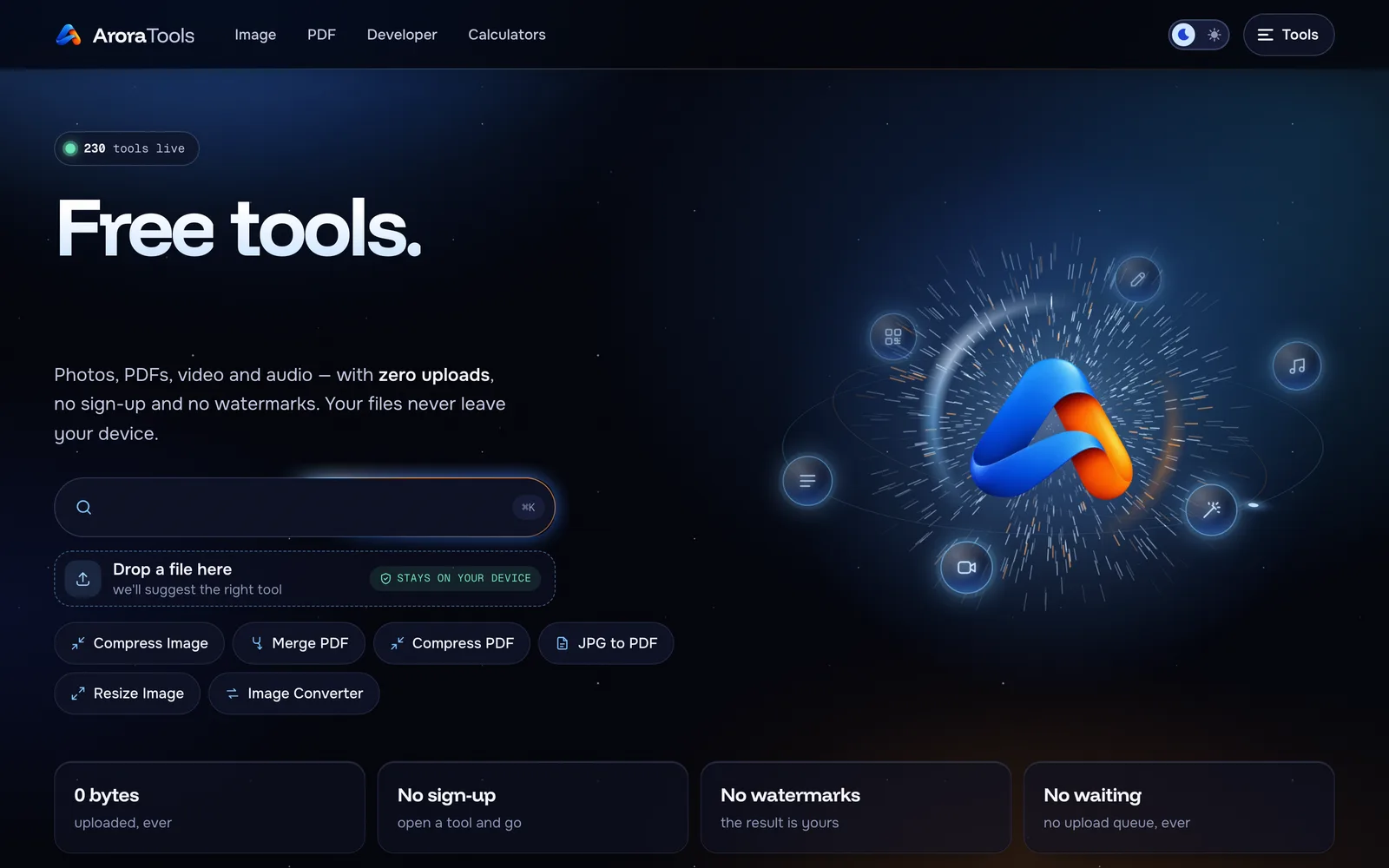
- 0 bytesof your files sent to us, by any tool
- 230+free tools for images, PDFs, video, audio and more
- 0 accountsno sign-up, no email, no log-in
The short version
When you open a tool on AroraTools, your browser downloads the tool itself: the buttons, the code, and for some tools a larger engine such as the text reader or the background remover. From then on, your own phone or computer does all the work. The file you pick is read by your browser, changed by your browser and saved by your browser. The site has no upload step, because it has nowhere to upload to.
That’s also why you never need an account. We don’t have your files, so there’s nothing to log you in to.
What happens when you compress a photo
Take Compress Image as an example:
- You drop in a photo. Your browser reads it from your disk into its own memory.
- The tool shrinks it on your device, using your device’s processor.
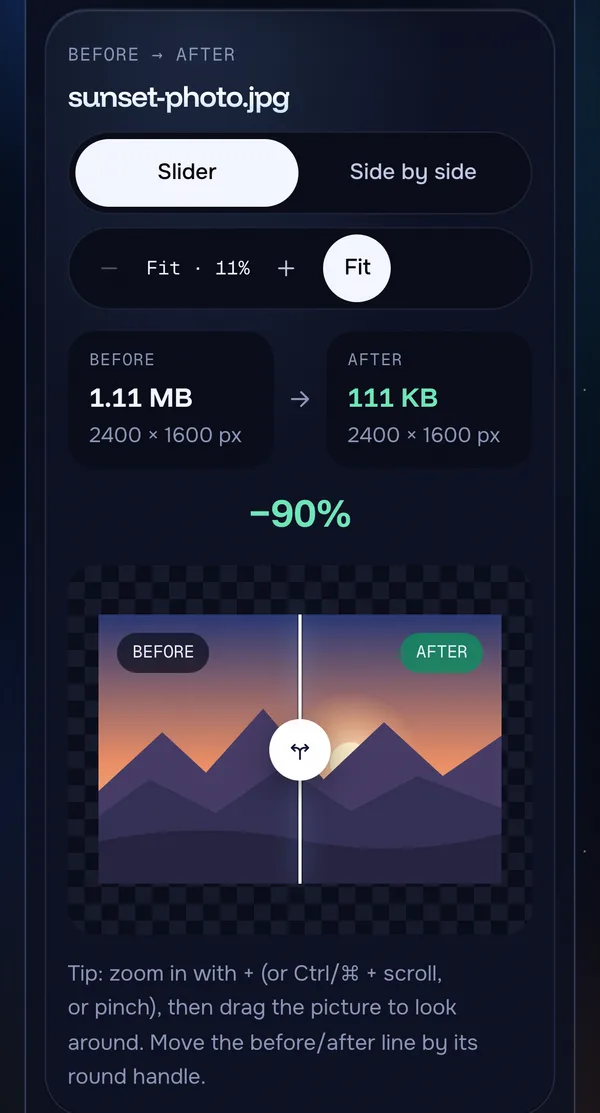
- You see a before-and-after preview, which is also drawn on your device.
- You press download. The new file goes from your browser’s memory straight to your downloads folder.
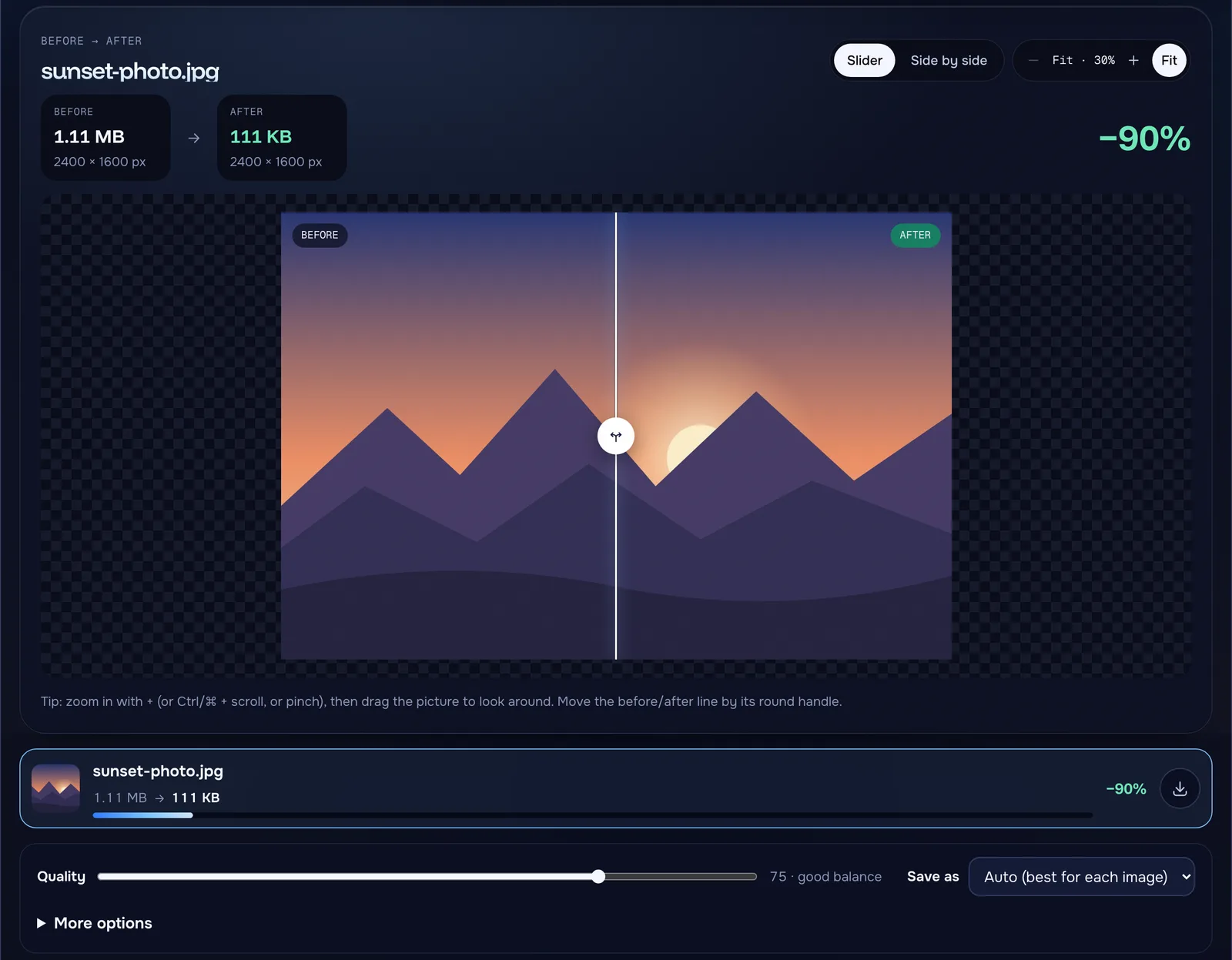
At no point does the photo, or any part of it, get sent over the internet. The same pattern holds for merging PDFs, cutting video, cleaning up audio or reading text out of a scan.
A lock built into the browser, not just a promise
Saying “we don’t upload anything” is easy. We wanted something stronger, so every page on AroraTools carries a strict security rule that browsers enforce. It’s called a Content Security Policy, and it’s a list the site hands your browser saying exactly which addresses the page is allowed to talk to.
Our list is short: AroraTools itself, plus the visitor counter described below. If any code on the page tried to send your file anywhere else, your browser would refuse and block it. That protects you from our own mistakes, too.
Two more switches sit in the same rules:
- Camera access is switched off for the whole site. No page on AroraTools can ask to use your webcam.
- Microphone and screen sharing are only allowed for the three tools that need them: Voice Recorder, Instrument Tuner and Screen Recorder. Your browser still asks you first, and the recording stays on your device.
The engines are ours, too
Some tools need heavy lifting: reading text from a photo, cutting out a background, checking grammar, opening a ZIP or RAR file. Lots of sites send that work to a cloud service. We download the engine to your browser instead, from AroraTools’ own address, the first time you use one of those tools. That first run can take a few seconds on a slow connection. After that, the work happens on your device like everything else.
What we do count
We want to be just as clear about what we collect as about what we don’t.
AroraTools uses Google Analytics to see which tools people use and where they get stuck. Here’s what it can record:
- that a tool was used, and which one
- the type of file (for example “pdf” or “jpg”) and a rough size range, such as “1–10 MB”
- a short code for an error, such as “password-protected” or “too large”
It never records file names, file contents, or anything you type into a tool. Error messages can sometimes contain a file name, so we only ever send the short code, never the message itself.
In the places where the law asks for your permission first, such as the EU, the UK and Switzerland, nothing is counted until you press Allow. Advertising cookies are always switched off. The full details are in the AroraTools Privacy Policy.
Check it yourself in two minutes
You don’t have to trust any of this. Here are two ways to check:
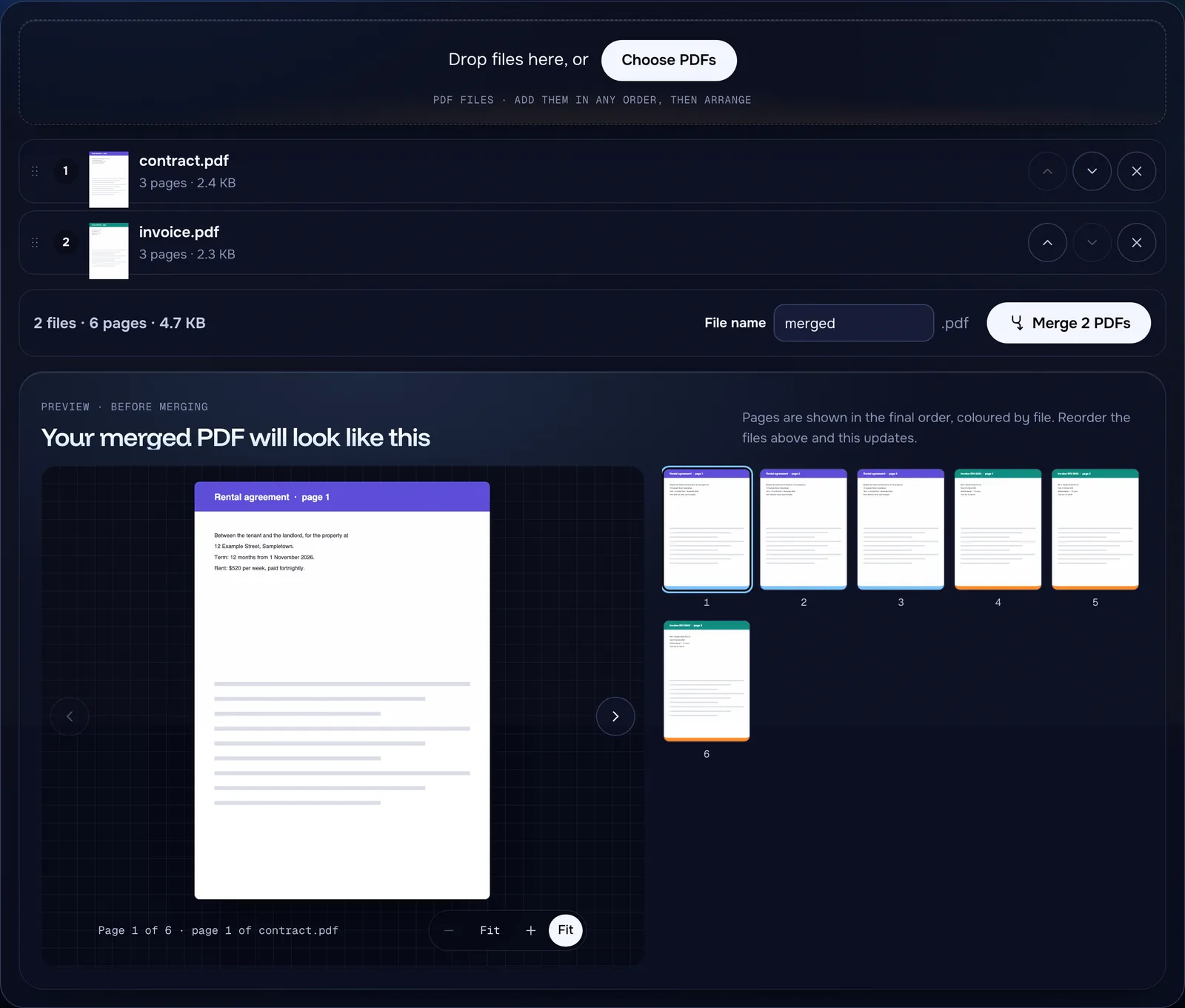
The flight-mode test. Open a tool such as Merge PDF and run it once. Then switch on flight mode or turn off your Wi-Fi, and run it again with different files. It still works, because nothing needed the internet.
The network view. On a computer, open your browser’s developer tools (F12 on Windows, Cmd+Option+I on a Mac) and choose the Network tab. Now use a tool. You’ll see the page loading its own files, and possibly a small visitor-count message, but nothing the size of your file going out.
The honest limits
Doing the work on your device has a cost: your device’s power is the limit.
- Very large files, such as a two-hour video or a 500-page scan, can be slow on an older phone, or run out of memory. A laptop handles them better.
- The first use of a heavy tool downloads its engine, which can take a moment on mobile data.
- Closing the tab mid-job loses the work, because there’s no server copy to come back to. For privacy, that’s the point.
We think that’s the right trade. For the documents people actually worry about, like contracts, IDs, bank statements and family photos, “it never left my phone” beats a few seconds of speed.
Try it
AroraTools is free and needs no sign-up. Start with whatever’s on your to-do list today: compress a photo, merge some PDFs, or browse every tool. Then try the flight-mode test, and see for yourself.
Built by AroraLabs
We build mobile apps, web platforms, and intelligent software — and run AroraTools: 250+ free browser tools with no sign-up and nothing uploaded.
Occasional notes, no noise
New tools, new writing, and the odd build log. Unsubscribe in one click — deletion is immediate.
Password Security in 2026: Why Length Beats Complexity
NIST's updated password guidelines explain why a long passphrase beats a short complex password. Here's the science of entropy and how to apply it today.
Tired of Paid PDF tools try something free and private
Check the tool by hub that has 16 pdf tools in a browser based check the hub PDFCraft suite.
UTM Parameters Explained: Track Every Click from Every Campaign
A clear guide to all 5 UTM parameters, real examples for email, social, and paid campaigns, and the common mistakes that corrupt your analytics data.